
How a 3-part Kubernetes GPU webinar series generated 1,963 ebook leads
April 2026
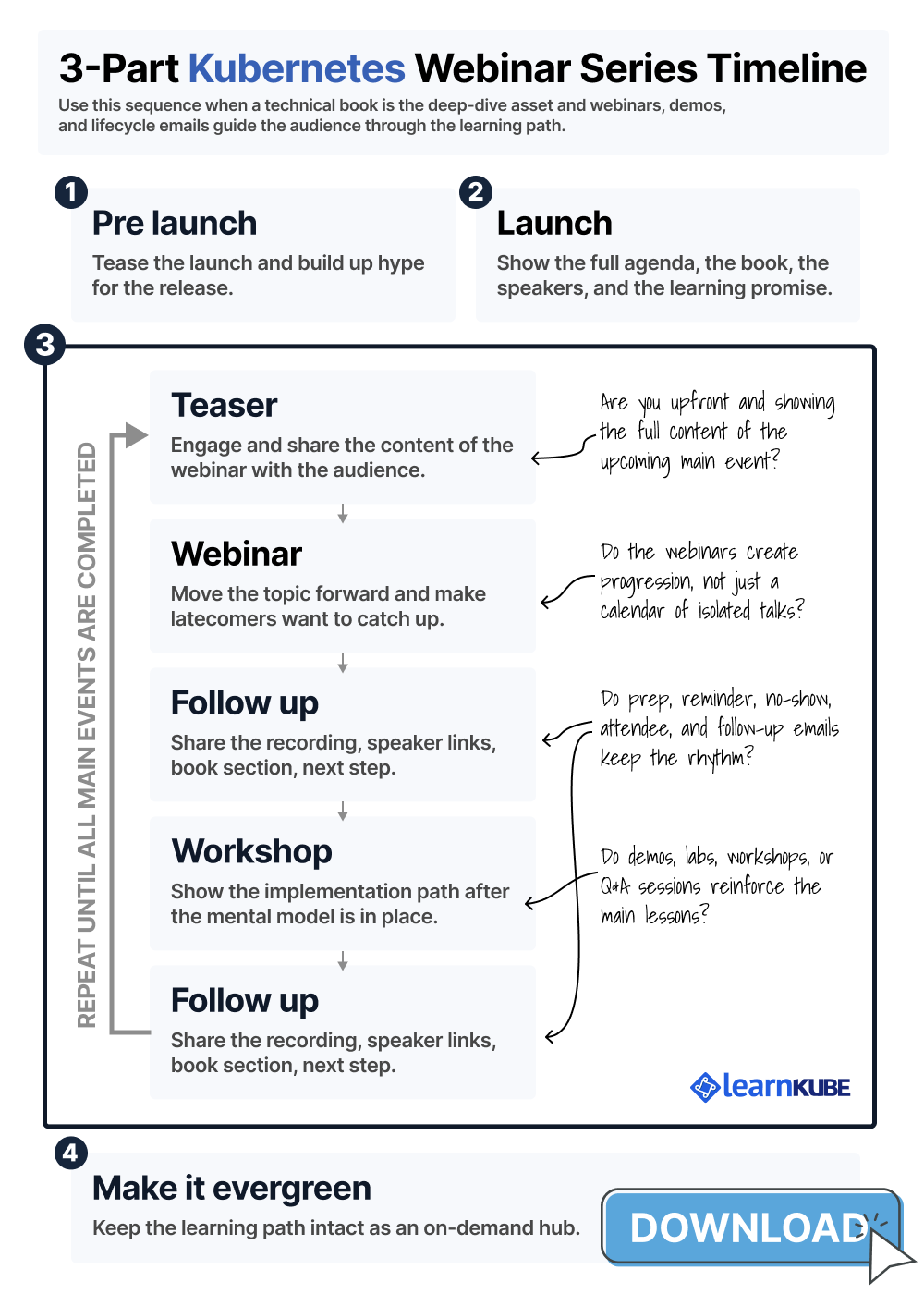
TL;DR: here's the 3-part webinar series timeline we use to launch a technical ebook as a month-long campaign. You can download the timeline PDF and the lifecycle email templates.
From September to December 2025, LearnKube and vCluster put together an educational program focused on one key engineering question:
How do I share GPUs with my team?
This question became the foundation for a technical ebook, a webinar series, demos, social media promotion, newsletter features, on-demand recordings, and a joint Salesforce campaign.
The program brought in 6,632 ebook form views and 1,963 ebook submissions, with a 29.6% conversion rate.
In Salesforce, the campaign had 2,680 members: 156 hot leads, 386 warm leads, and 319 viable leads.
We achieved these results by spotting a content gap, writing the ebook, and launching it as part of a month-long educational program.
Here's how we did it.
If you want to skip directly to the repeatable recipe, jump to The Recipe: Turn The Book Into A Month-Long Program.
Table Of Contents
- Background: The Question Came Before The Campaign
- Evidence: We Could See The Content Gap
- Strategy: Turn The Gap Into A Book
- How We Launched The Book
- Distribution: The Campaign Needed More Than A Launch
- Results: What The Campaign Produced
- The Recipe: Turn The Book Into A Month-Long Program
- Summary: The Recipe In Short
Background: The Question Came Before The Campaign
Each month at LearnKube, we search the internet for Kubernetes content.
On an average month, we review about 2,200 links each month, including articles, projects, tutorials, announcements, case studies, opinions, and technical releases.
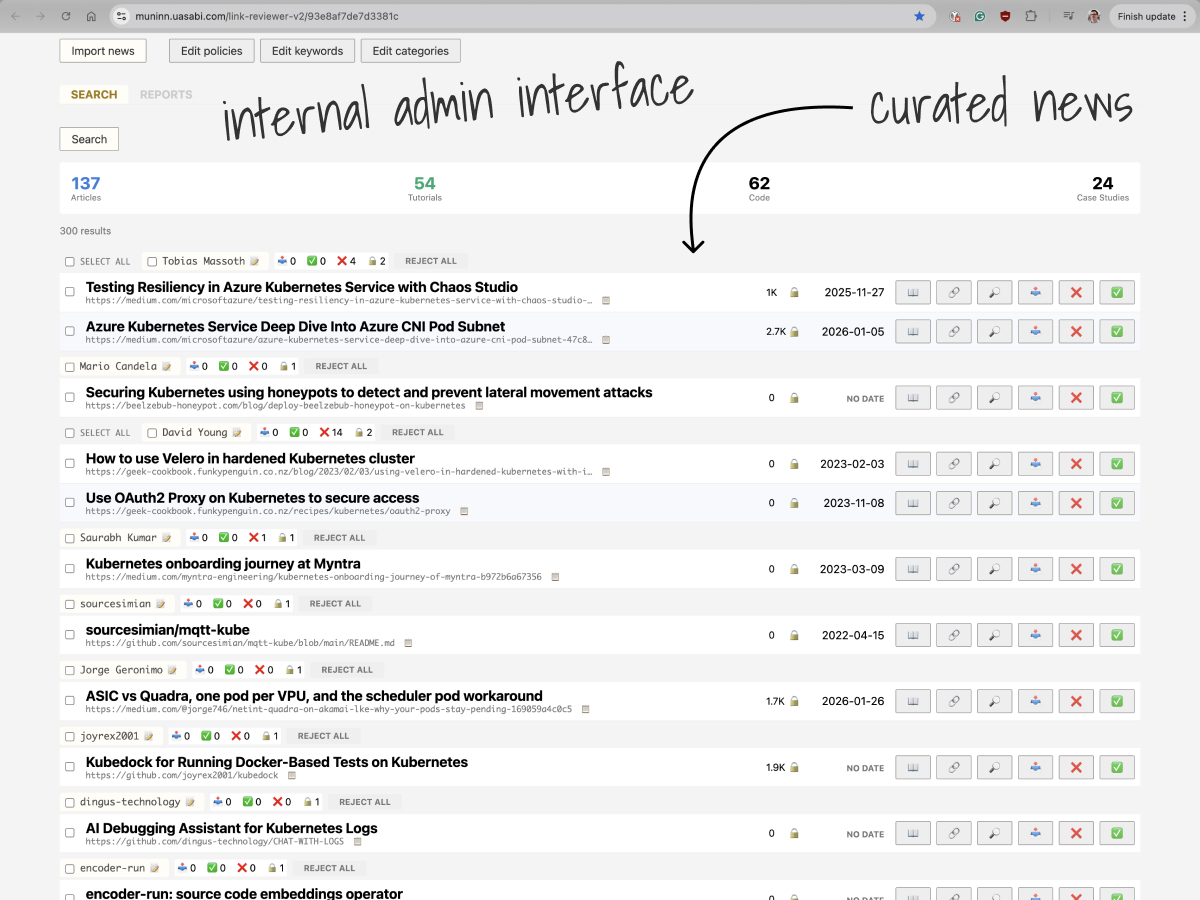
Our editors sort through these and shared only the best content on our channels.
Only about 8% of the links made it through our curation process.
This curation gives us a clear editorial signal.
We see which areas of the Kubernetes ecosystem are well covered, which are just okay, and which are lacking.
We also notice when a topic is growing in importance faster than the available public content.
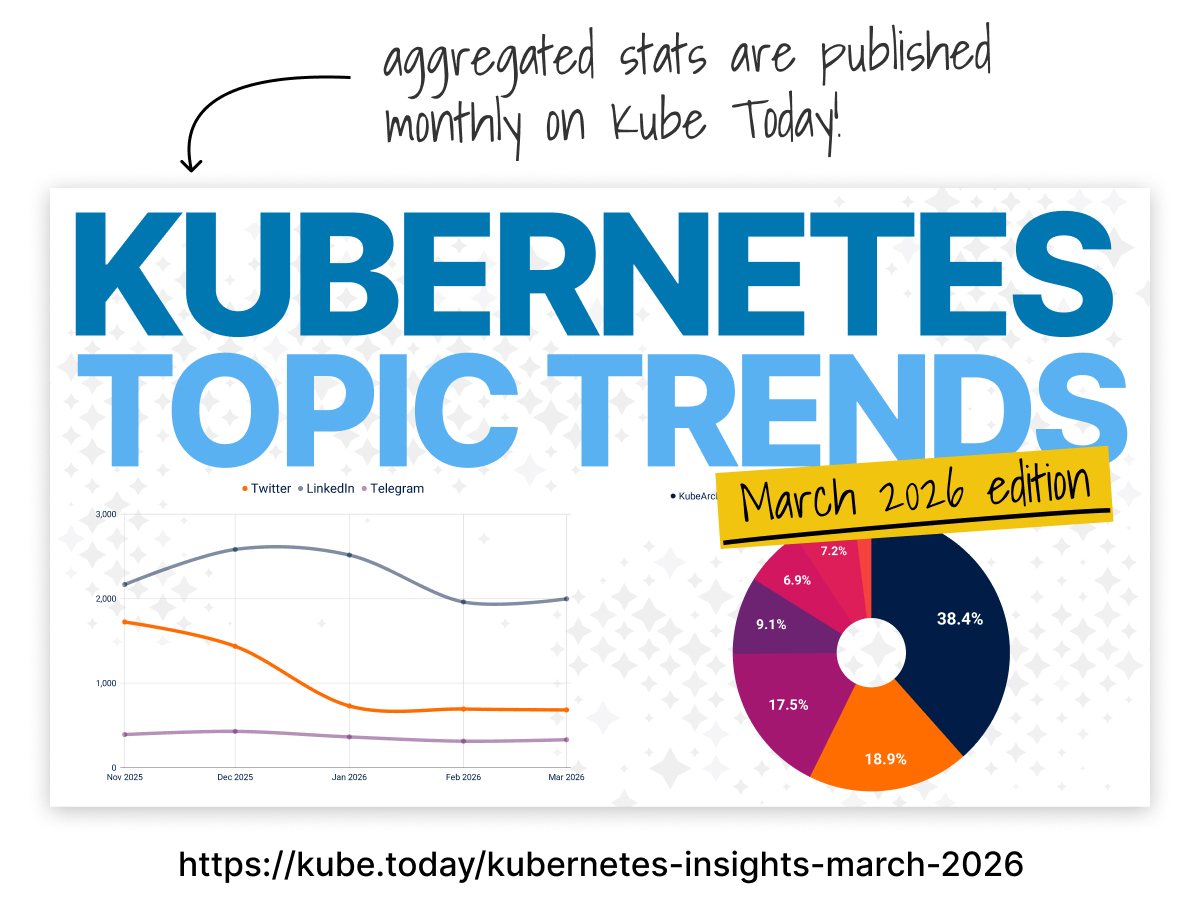
GPU infrastructure was one of those underserved topics.
Clients were interested in discussing AI and GPUs on KubeFM, but we heard even more from engineers asking how to share GPUs with their teams.
This question kept coming up online, at conferences, at meetups, and in peer conversations.
It highlighted a real platform problem: teams were running AI workloads on costly, shared GPU nodes and needed access without losing autonomy or interfering with each other.
The audience had a real challenge, sponsors had a business reason to address it, and there was a lack of practical, well-organized material in the ecosystem.
We started by using the audience's own words.
How do I share GPUs with my team?
That question guided how we wrote the book, designed the program, and planned distribution.
Evidence: We Could See The Content Gap
Our curation data backed this up.
Through our curation, we saw how little quality GPU content made it into our channels.
Out of thousands of Kubernetes links each month, only one or two strong GPU-related pieces would make the cut.
Webinars and blog posts usually depend on existing explanations, examples, links, and public knowledge for support.
When public knowledge is limited, the campaign must first build the technical foundation.
For GPUs on Kubernetes, there wasn't enough in-depth public material for our campaign.
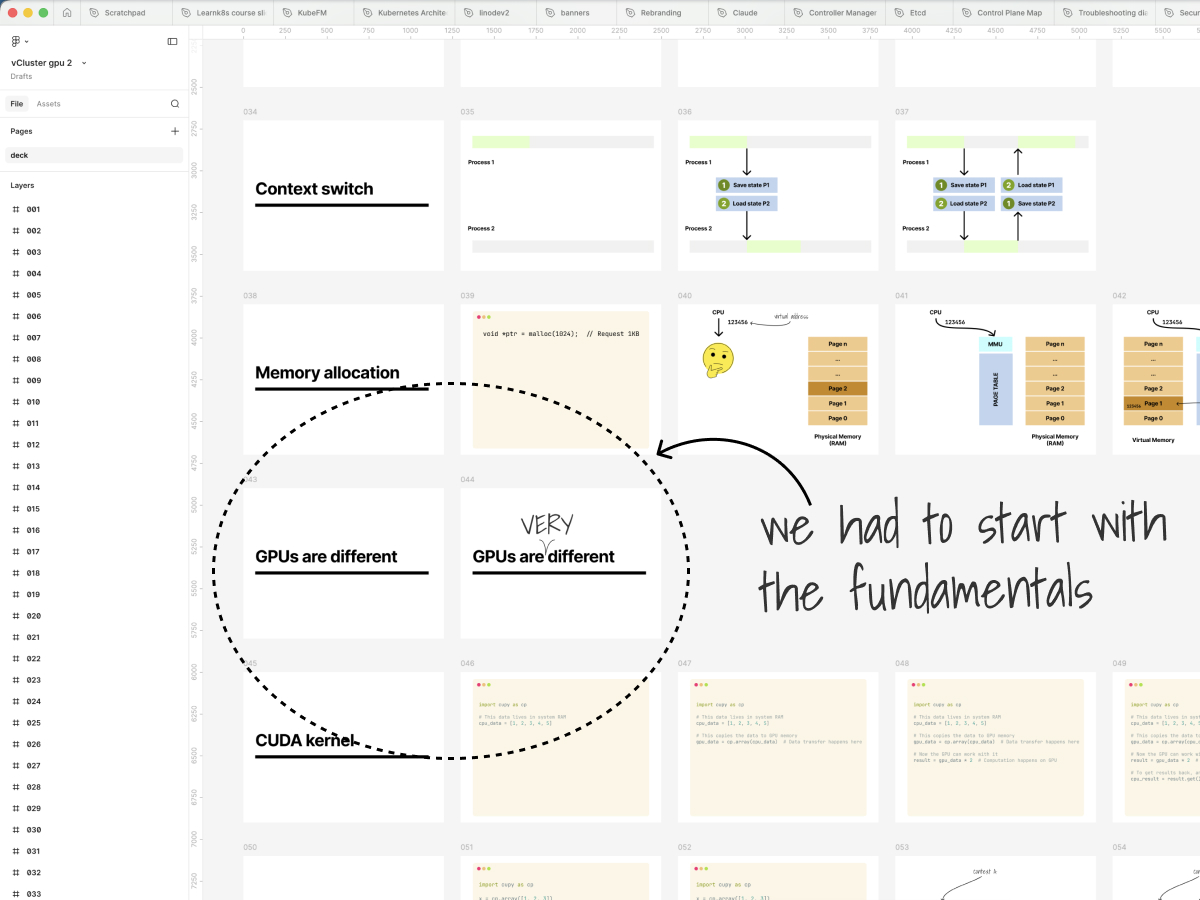
The audience clearly wanted more, but the source material was limited.
Clients needed more than a generic AI webinar, and vCluster's product story needed to connect to the right technical challenge.
This last point was especially important for vCluster.
The question of sharing GPUs with a team naturally leads to Kubernetes multi-tenancy—shared infrastructure, tenant boundaries, team autonomy, scheduling, isolation, and cost control.
vCluster's product enables teams to run their own Kubernetes control planes while sharing the underlying infrastructure.
GPU sharing made this story real:
- Dedicated clusters can waste valuable GPU resources.
- Shared namespaces often don't give teams enough autonomy.
- Platform teams need a way to centralize expensive infrastructure without forcing everyone into the same control plane.
We positioned vCluster as a strong sponsor for a campaign focused on sharing GPU-enabled Kubernetes platforms across teams.
Strategy: Turn The Gap Into A Book
An ebook was the best choice because this topic needed a clear mental model.
Most engineers view CPU and memory as resources that can be divided and scheduled.
They often assume GPUs work the same way: request some capacity, schedule the workload, use Kubernetes tools for isolation, and track usage by pod or namespace.
But in reality, GPUs are exposed, allocated, shared, isolated, and monitored very differently from CPUs and memory.
This difference matters because a wrong mental model can lead to mistakes like over-allocating GPUs, thinking namespaces are enough for isolation, missing utilization issues, or treating fractional access like any other resource.
To answer how teams can share GPUs, we first needed to explain what makes GPUs different.
After that, we could talk about Kubernetes device plugins, GPU allocation, fractional access, scheduling, tenant boundaries, sharing methods, observability, cost, and dynamic resource allocation.
This was too much to cover in a blog post and not researched enough for a webinar alone.
So, we decided to write the ebook.
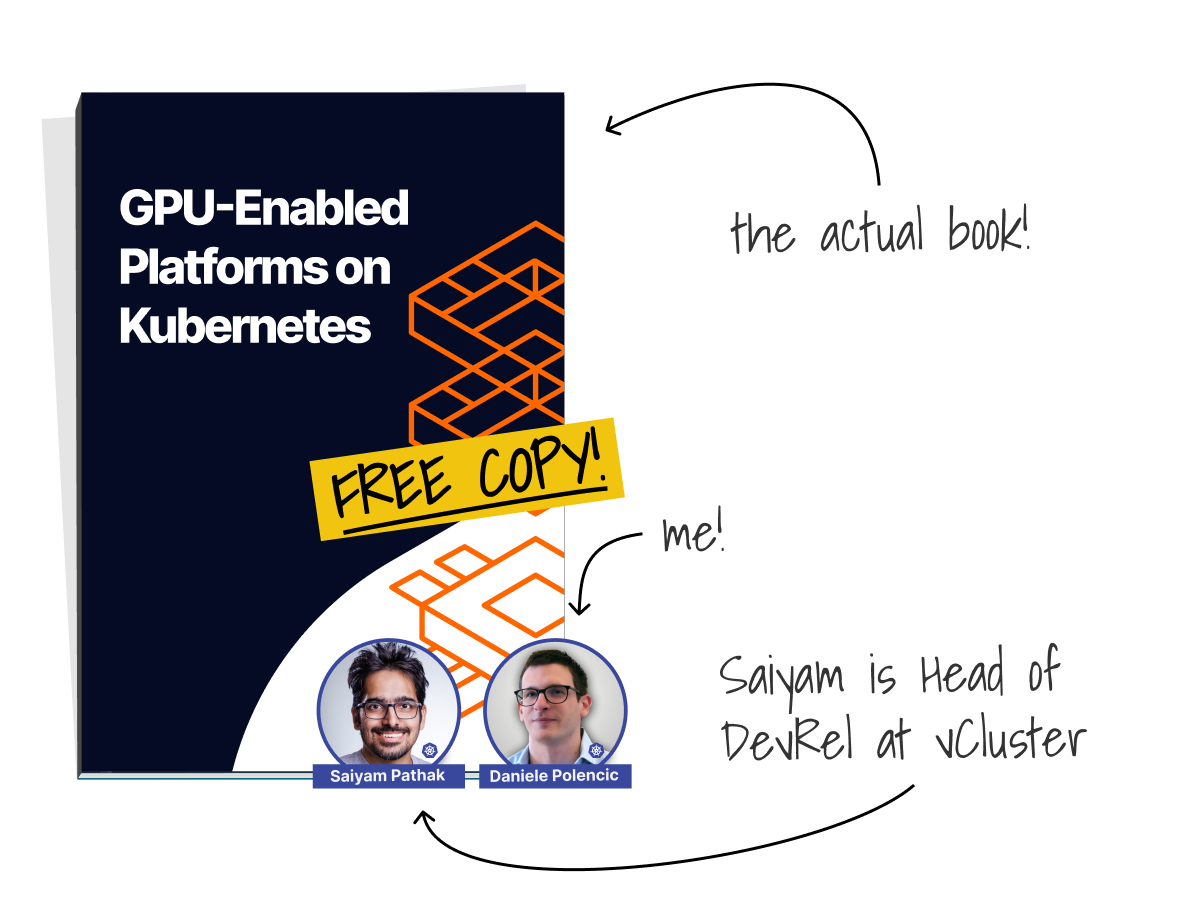
The ebook gave us a solid technical foundation, a shared vocabulary for the campaign, diagrams and explanations we could reuse, and source material for webinars, demos, social posts, follow-up resources, and podcast questions.
The ebook became the main reference for anyone who wanted to dive deeper than the live sessions.
How We Launched The Book
Once the book existed, we launched it through a month-long educational program.
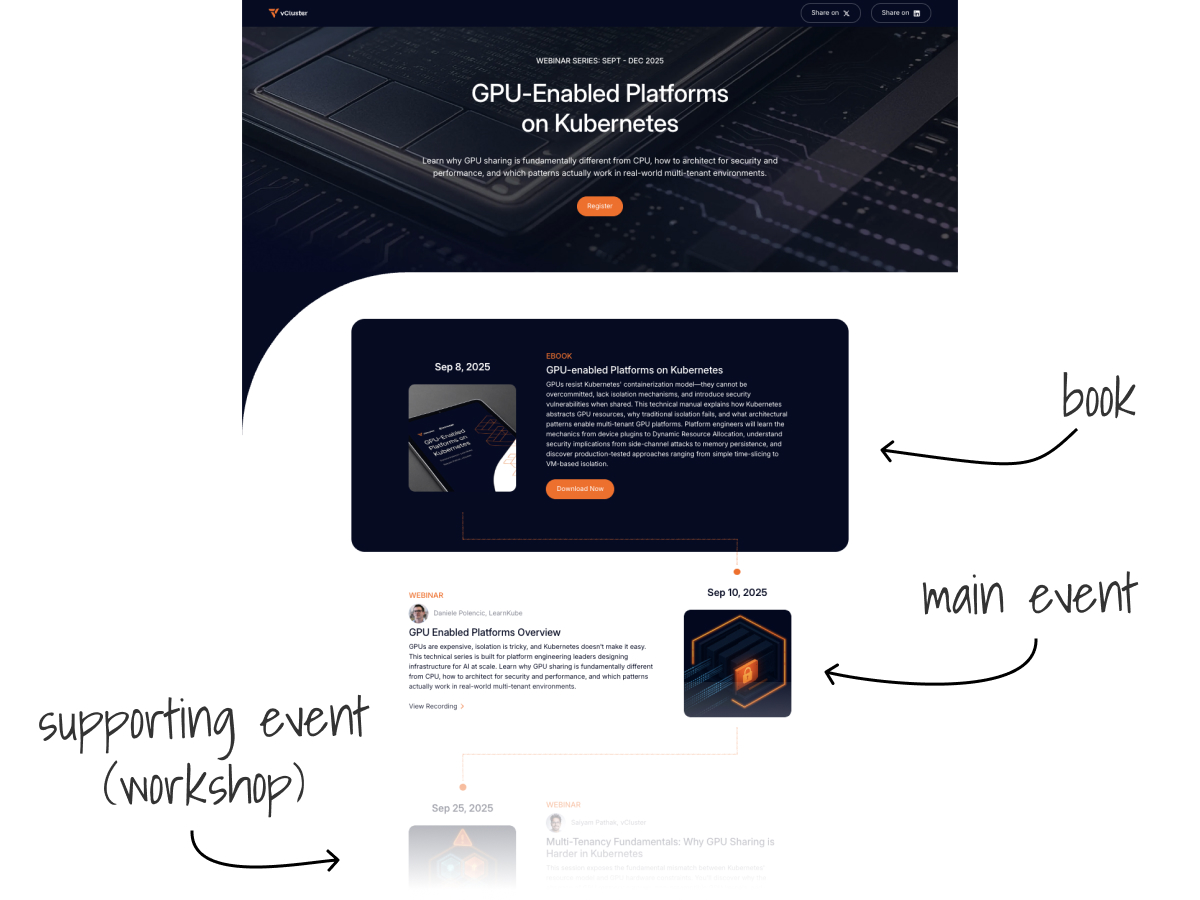
You could join at any point, but the structure made you want to start from the beginning and finish the rest.
- The LearnKube webinars were the core of the program, teaching concepts from the ebook like GPU allocation, sharing methods, multi-tenancy trade-offs, and platform design.
- The vCluster sessions supported the main events. They showed how the ideas worked in practice through demos, implementation steps, and product-specific workflows that made sense after learning the theory.
This flow from theory to practice strengthened the campaign.
The main events built the mental model, and the supporting events showed real implementations on the audience's platforms.
The ebook and webinars worked together:
- Downloading the book led to program invites, and signing up for the program pointed people back to the book.
- The webinars gave a guided learning path, while the ebook offered deeper insights.
- On-demand webinar recordings stayed part of the campaign, and both book downloads and webinar signups contributed to lead generation.
Our goal was simple: build a month-long learning experience where each part made the next one more valuable.
Distribution: The Campaign Needed More Than A Launch
Our distribution plan combined LearnKube's audience channels, vCluster's campaign tools, and individual technical promotion.
vCluster's channels provided the campaign with a sponsor home, including landing pages, forms, workflows, Salesforce tracking, and follow-up.
This made the campaign measurable and useful for vCluster's operations.
LearnKube's channels connected the campaign to Kubernetes practitioners who already trusted our curated content.
Kube Events and the Upcoming Kubernetes Events newsletter promoted individual webinars, while Learn Kubernetes Weekly announced the ebook and highlighted the LearnKube sessions.
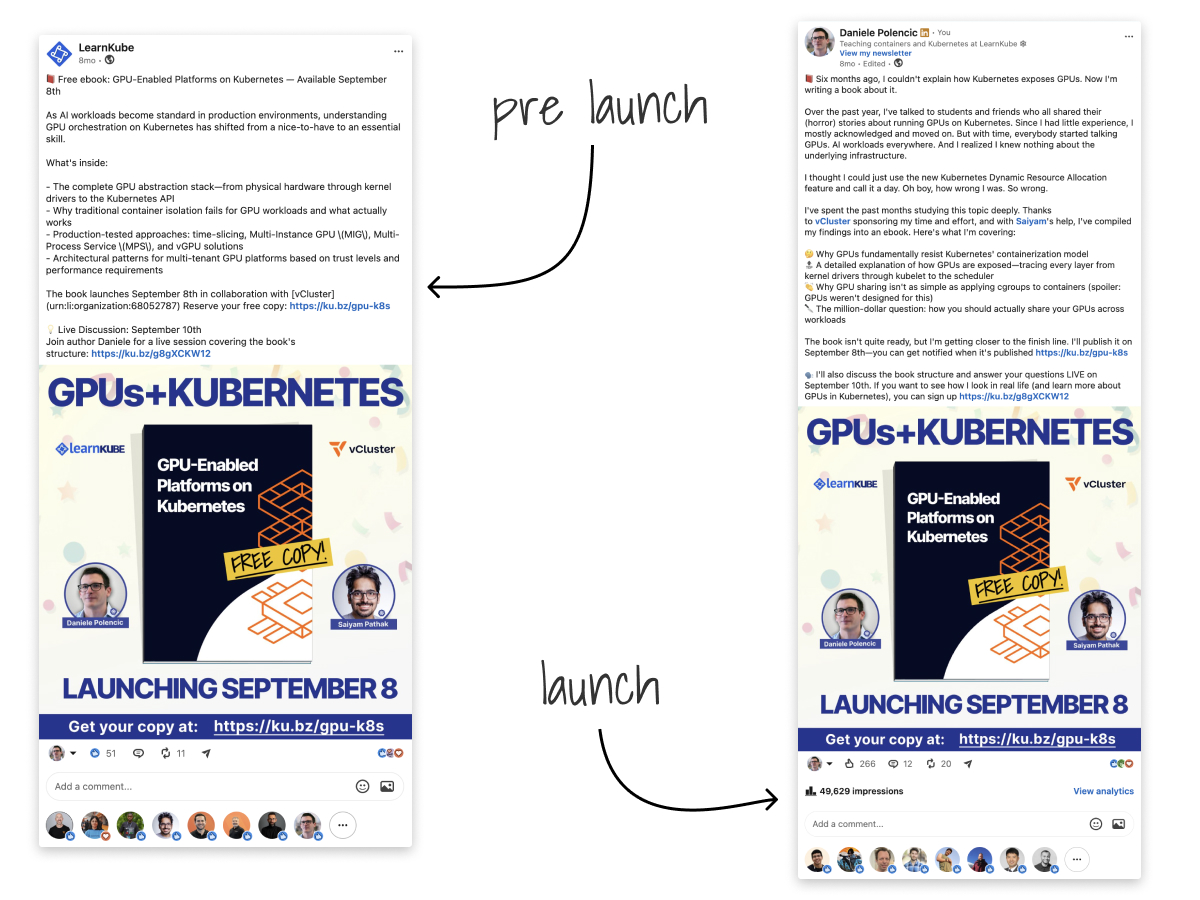
Daniele's personal posts added a more human, technical voice to the campaign.
Our social teasers focused on engineering questions like why sharing GPUs is harder than sharing CPUs, where namespaces fall short, how fractional access works, and how GPU isolation ties into AI infrastructure multi-tenancy.
Engineers pay attention when a technical question is clear and worth their time.
The program gave the audience several ways to join in: reading the ebook, attending a webinar, or watching a demo. The full agenda showed what they'd learn first, what came next, what they could practice, and how the ebook helped them dive deeper.
That's why the event lifecycle was just as important as the promotion itself:
- Early signups got prep materials for the sessions.
- No-shows received the recording and next steps.
- Attendees got speaker links, extra resources, and invites to the next webinar or demo.
Every message gave the audience a reason to stay engaged.
This approach also gave vCluster repeated, valuable exposure through the practical parts of the journey—implementation sessions, follow-up resources, demo invites, the ebook, and product-specific next steps.
Operationally, that made the campaign useful.
It became a connected educational program with a cadence, a progression, a companion book, and a follow-up path.
Results: What The Campaign Produced
Between August 2025 and April 2026, the ebook funnel saw 6,632 form views, a 29.6% conversion rate, and 1,963 submissions.
In Salesforce, the combined GPU campaign had 2,680 members: 156 hot, 386 warm, 319 viable, and 3 handraisers.
The raw submission numbers are higher than the Salesforce campaign member count because book and webinar registrations were counted in the same campaign, and Salesforce only reports members after removing duplicates and assigning statuses.
Lead quality was another important signal.
For example, one campaign lead worked at Lambda and Caltech, demonstrating that we reached people involved in real GPU and AI infrastructure.
The qualitative results mattered too.
The campaign built a reusable educational foundation for GPU-enabled Kubernetes platforms.
It helped vCluster frame AI infrastructure through the lens of multi-tenancy and gave LearnKube a research base for future webinars, podcast questions, social posts, and planning.
The Recipe: Turn The Book Into A Month-Long Program
You can copy this structure.
Use the ebook as the deep-dive companion to a month-long educational program.
The webinars guide the audience through the topic.
The demos, workshops, or labs help them apply it.
The ebook gives them the reference material to go deeper before, during, and after the live sessions.
The structure is:
- main events teach the progression
- supporting events turn the lesson into practice
- lifecycle emails keep people moving through the program
- the ebook completes the learning path
- the on-demand hub keeps the program alive after the live month ends
Here is the recipe.
Define The Learning Path
Start by writing the progression you want the audience to experience.
For the vCluster program, the learning path was: understand why GPU sharing is hard, learn the Kubernetes primitives, compare the sharing options, understand the multi-tenancy trade-offs, and then see how a vCluster-based approach works in practice.
For your own campaign, write this sentence:
After this program, the audience will understand how to __.
Then break that promise into three or four lessons.
Each lesson should move the audience forward.
If someone joins at lesson three, they should still get value, but they should also feel the pull to watch lessons one and two.
Pick The Main Events
The main events are the fulcrum of the launch.
In most of our programs, those are the webinars: the moments that get the most promotion, the most registrations, and the strongest social push.
They also define the learning progression and create natural moments to introduce the book.
You do not need a main webinar every week.
In fact, spacing them roughly two weeks apart often works better.
It gives you time to promote each session properly, give the audience time to catch up, and create room for supporting activities in between.
Each main event should advance the topic.
Use the sequence to move from foundation to depth, contrast, implementation, or an advanced scenario.
A newcomer should be able to join any individual session, but the structure should make them want to go back, watch the earlier ones, and download the book to complete the path.
The ideal reaction is that a newcomer can attend the current session and still see why starting from the beginning, with the book open, would make the rest more useful.
Add Supporting Events Between The Main Events
The supporting events are where people practice, inspect, or apply what they learned in the main events and in the book.
In the vCluster campaign, the supporting events were demos.
The demos illustrated a specific implementation path, building on the mental model established in the main sessions.
In this sequence, webinars and the book provide the theoretical foundation and deep dives, while workshops, demos, and tutorials offer practical implementation and self-paced learning.
The supporting events should not compete with the main events or the book.
They should reinforce both.
Launch The Series As One Thing
The launch campaign should present the full program, not just the ebook or the first webinar.
People are more likely to sign up when they can see the complete path.
They understand what they will learn, how the sessions fit together, why the book exists, and why the program is worth their time.
This is why we usually launch three to four weeks before the first main event.
The early launch gives the audience time to discover the program, register, add sessions to their calendar, and prepare.
The launch page should show the full sequence: the program theme, main sessions, supporting sessions, dates, speakers, what each session covers, what people can watch on demand later, where the book fits in the learning path, and the practical resources they will receive.
Keep The Audience Warm Before The First Session
Some people register early to prepare.
Others register and forget.
Either way, the pre-event sequence is where you start giving the program rhythm.
Send useful preparation material before the first session.
This can be a short reading list, a prerequisite article, a GitHub repository, a setup guide, a previous recording, a few links from the speaker, or a relevant section from the book.
These materials make the program feel active before the first webinar starts without overwhelming the audience.
Those emails are also a natural place for sponsor exposure.
If the sponsor has a relevant guide, demo environment, free account, sandbox, product page, or book chapter, this is a good moment to include it, as long as it helps the audience prepare for the session.
Build The Follow-Up Rhythm
The follow-up sequence should begin immediately after each main event.
No-shows need the recording, while attendees and engaged participants often look for speaker links, supporting resources, or a clear next step.
After each main session, send the on-demand recording, speaker links, supporting resources, the relevant book section, the next main session, and the previous sessions for anyone who joined late.
The intent is to give the program rhythm.
The follow-up is where you share the links that came up during the session, point people to the next lesson, bring latecomers back into the sequence, and expose the sponsor's brand through useful resources rather than interruption.
If you want a starting point, we turned this sequence into a downloadable set of lifecycle email templates: download the email pack.
Make The Program Evergreen
The live program is only the first version of the launch.
After the month is over, the full program should remain online as an on-demand educational hub.
This is where the course-like structure pays off.
The recordings, tutorials, links, demos, and book can continue generating registrations and product exposure long after the live dates.
In many cases, the evergreen version can become more valuable than the launch itself.
The live program creates urgency, but the on-demand hub can keep attracting traffic and leads for as long as the topic remains relevant.
The vCluster campaign worked this way.
The live webinars created momentum; the on-demand recordings and the ebook kept the campaign alive.
Someone who discovered the topic later could still watch the theory, consume the demos, download the ebook, and enter the sponsor's follow-up path.
Add A Community Layer When It Makes Sense
A community layer is effective when the program includes interactive elements like labs, challenges, workshops, or assignments.
It gives people a place to ask questions, show their progress, and see that others are learning alongside them.
This could be a Slack workspace, Discord server, forum, or private channel attached to the program.
It becomes part of the lifecycle: registrants are invited to join, reminders can be posted there, participants can ask questions, speakers can interact with the audience, and people working through labs or demos can collaborate instead of learning alone.
The community layer also helps maintain rhythm between the main sessions.
Email moves people from one event to the next, but community gives them a place to stay engaged in between.
We did not add this layer to the vCluster program.
We did use it in an earlier program with NGINX, Microservices March 2022, where the Slack workspace gave participants a place to follow along, ask questions, and work through the labs together.
Summary: The Recipe In Short
Start with a real content gap, then create the deep technical asset that fills it.
Do not launch that asset as a standalone download. Turn it into the companion material for a month-long educational program.
Use the main webinars to move the audience through the learning path.
Use demos, workshops, labs, or tutorials to help them apply what they learned.
Use lifecycle emails to share recordings, links, preparation material, sponsor resources, and the next step.
If there is something for people to do together, add a community layer to keep the program active between sessions.
When the live month is over, keep the full program online as an on-demand hub.
That is how the campaign keeps working after the launch: the educational path stays intact, the ebook remains the deep reference, and new visitors can still enter the program from the beginning.